Let your Mac
know it’s you.
Installing AfterAir takes a moment. Because this preview has not yet been notarized by Apple, macOS may ask you to review it before the first launch. Here is exactly what to expect.
A note before you continue
Apple has not checked this preview through its notarization service. macOS therefore cannot verify that it is free of known malware. Only override the warning if you downloaded AfterAir from this site and trust the file. You do not need to turn off Gatekeeper or change your Mac’s general security settings.
Three steps, once
From download to ready.
-
1
Move AfterAir to Applications.
Open the downloaded AfterAir-1.5.1.dmg. In the window that appears, drag the AfterAir icon onto Applications. Then open your Applications folder.
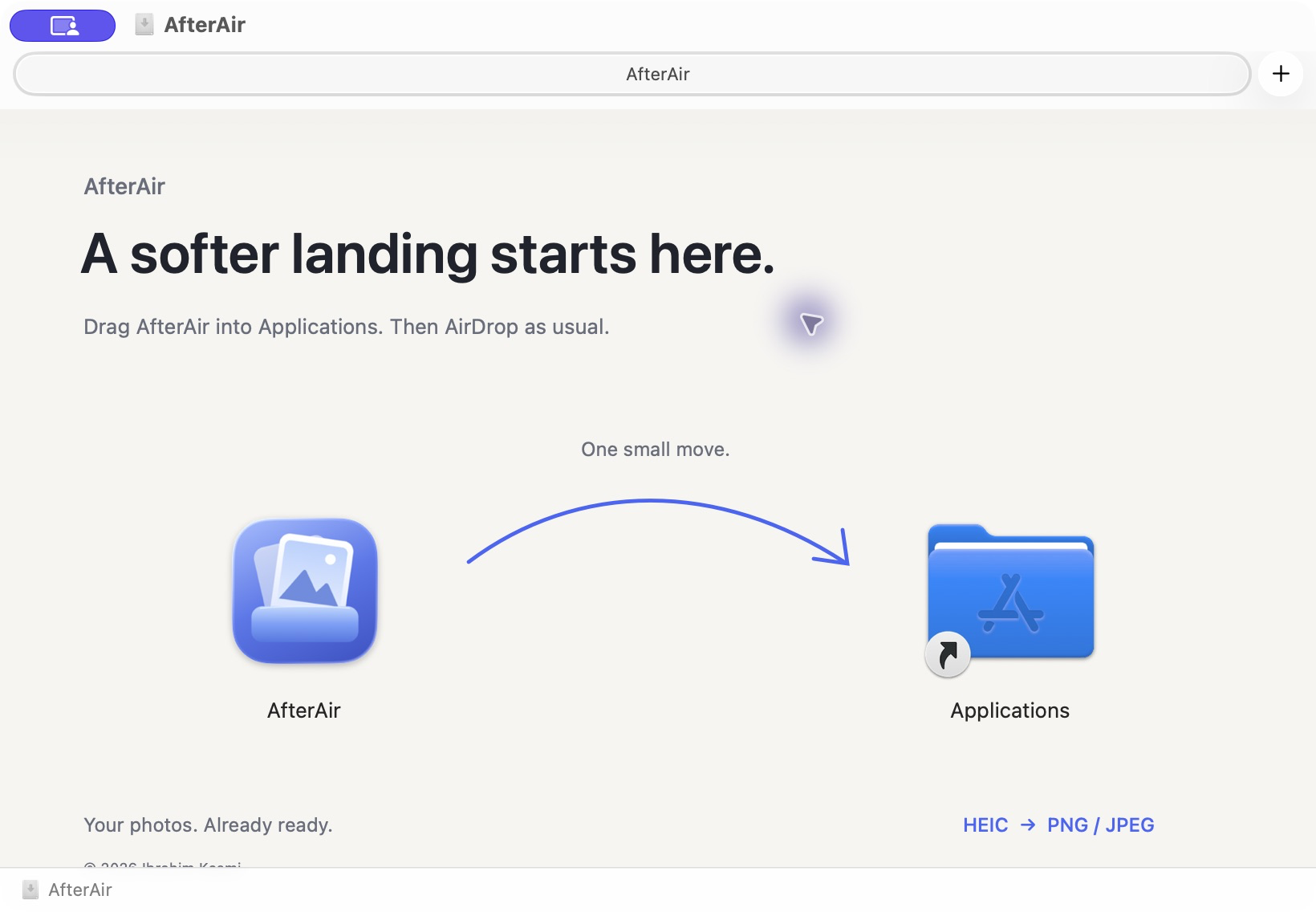
Actual AfterAir drag-to-install window -
2
Try opening it once.
Double-click AfterAir in Applications. If macOS shows a warning that it cannot verify the developer or check the app, close that prompt. This first attempt makes the review option available in System Settings.
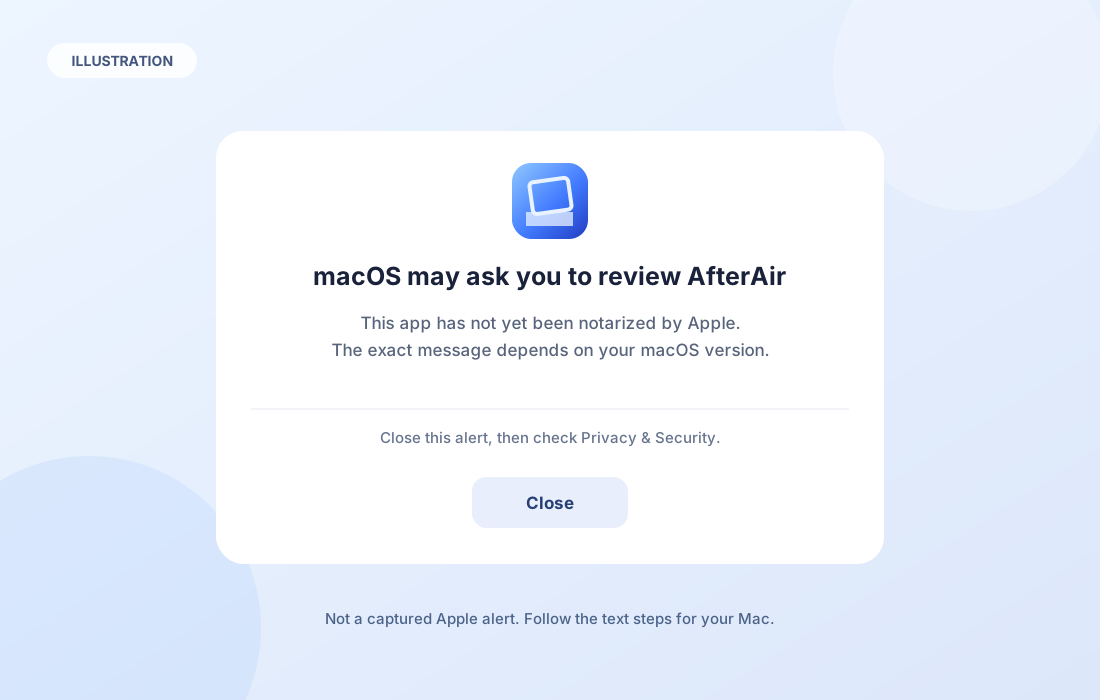
Illustration, not a captured Apple alert. Wording varies by macOS version. -
3
Review and choose Open Anyway.
Open System Settings → Privacy & Security. Scroll to the Security section, then choose Open Anyway for AfterAir. macOS may ask for your login password and show one final Open prompt. Confirm only if you still trust the download.
The option is available for about an hour after you first try to open the app. If you cannot find it, try opening AfterAir again, then return here.
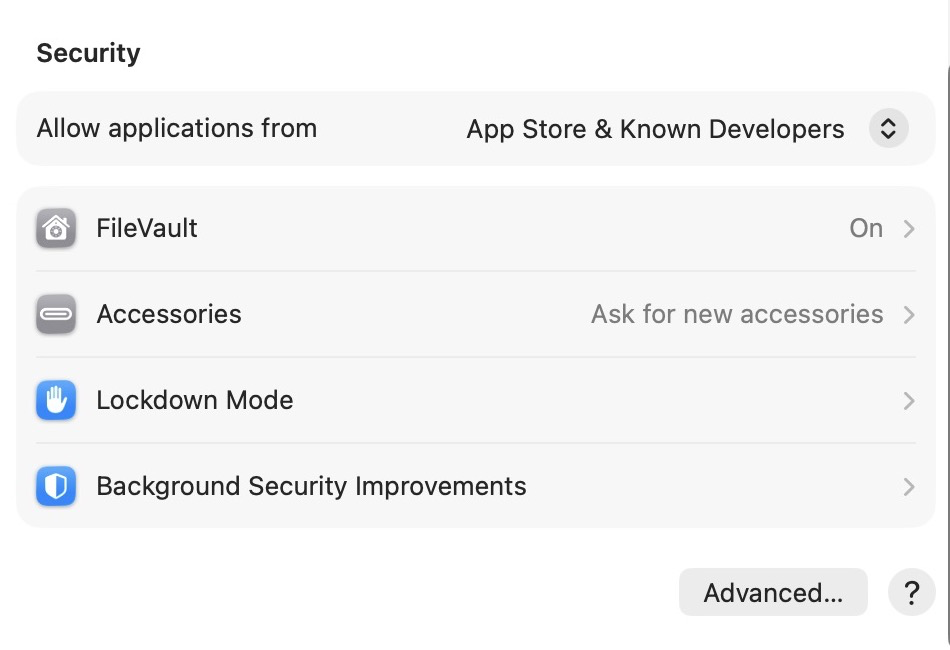
Actual Privacy & Security screen on macOS Tahoe 26. The Open Anyway option appears after macOS blocks a first launch.
If the message looks different
Warning text and button placement can vary by macOS version. If your Mac says the app is damaged, contains malware, or will harm your computer, stop. Do not override that warning. Download a fresh copy or wait for a notarized release.
For system-specific instructions, see Apple’s macOS Tahoe guide to opening an app by overriding security settings. You can choose another macOS version there.
Already opened it?
Once you approve this particular copy, macOS saves the exception. You can open AfterAir normally next time.
See how AfterAir works